
Internal HR & Shift System · 2026 · 7 min read
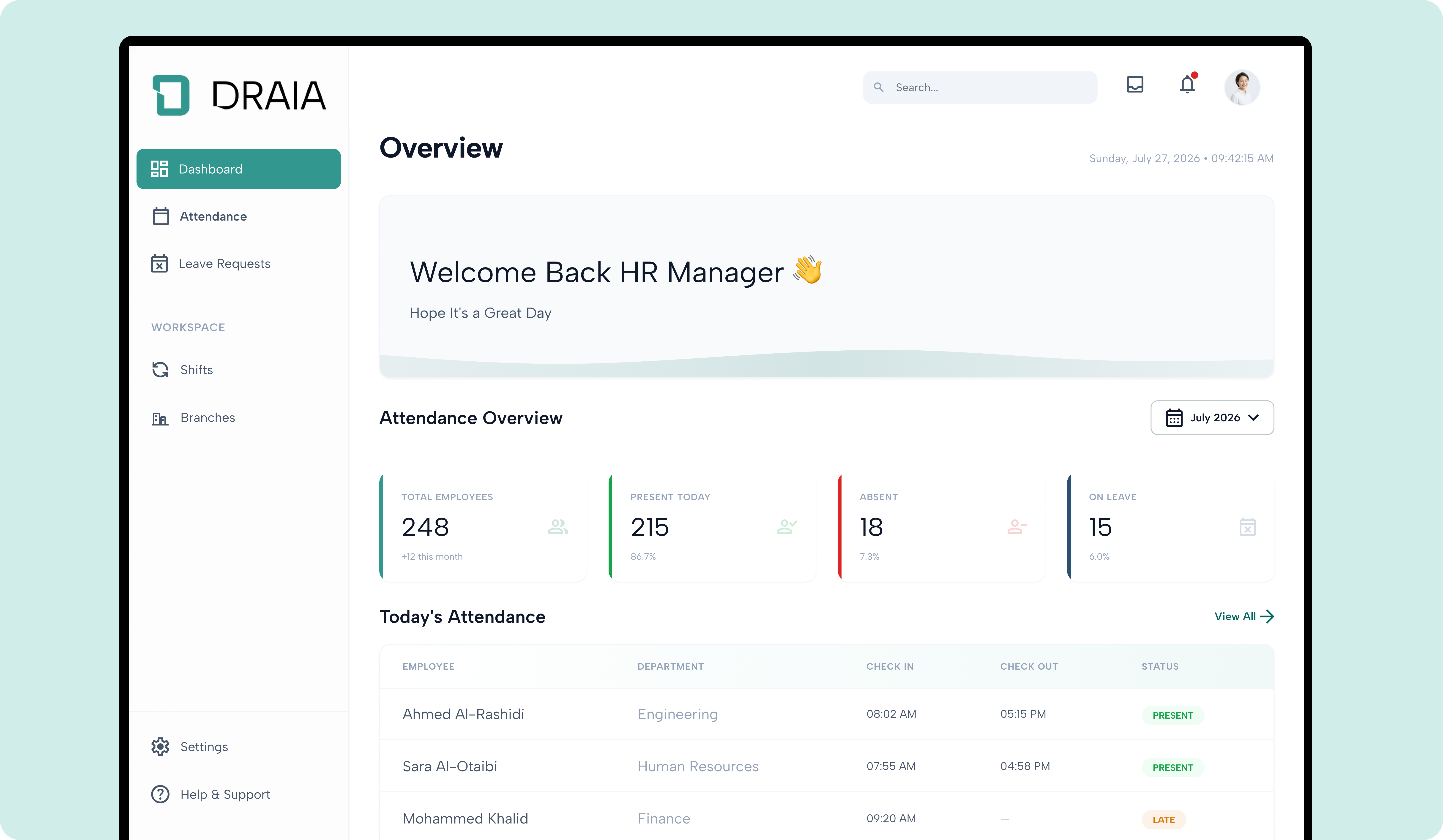
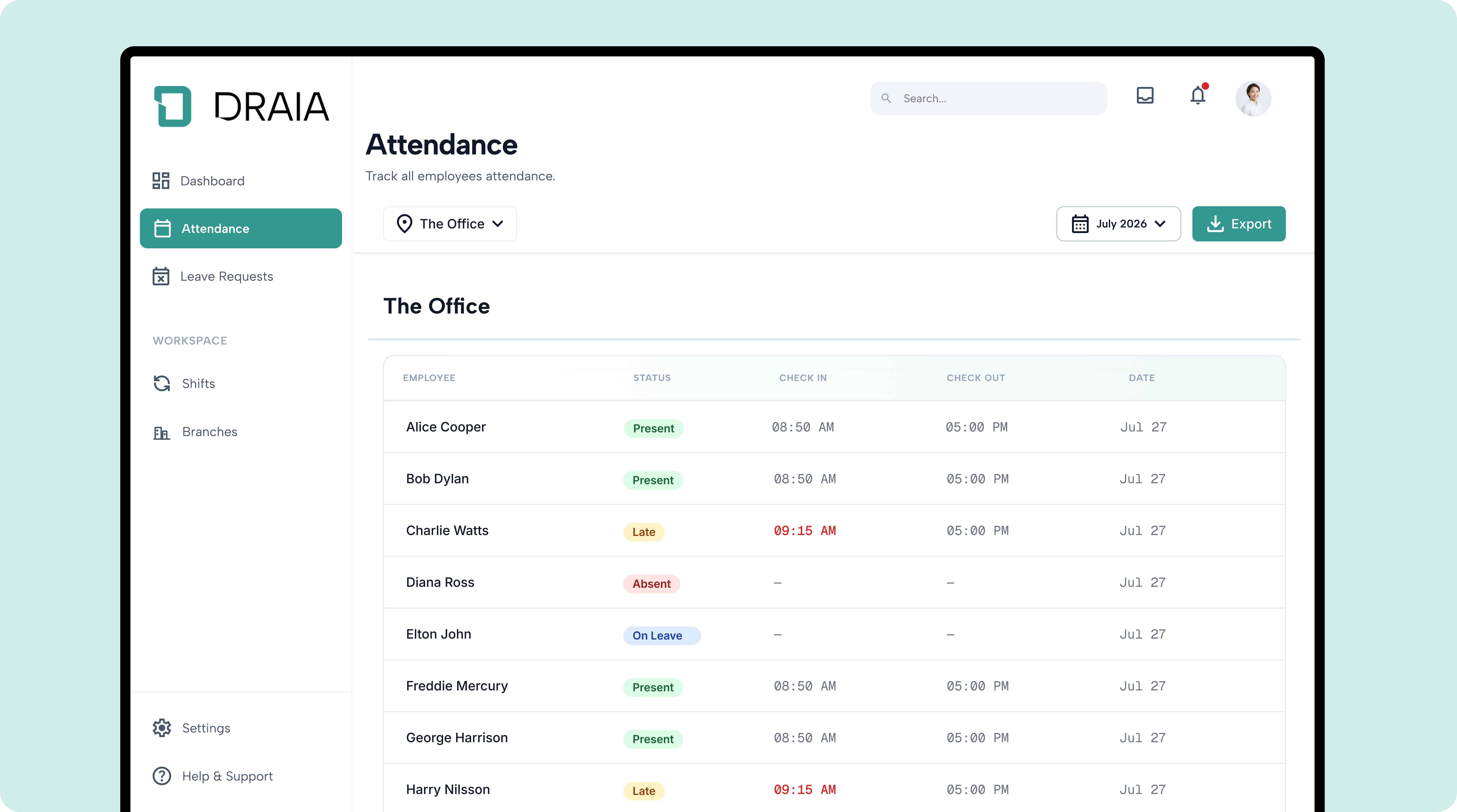
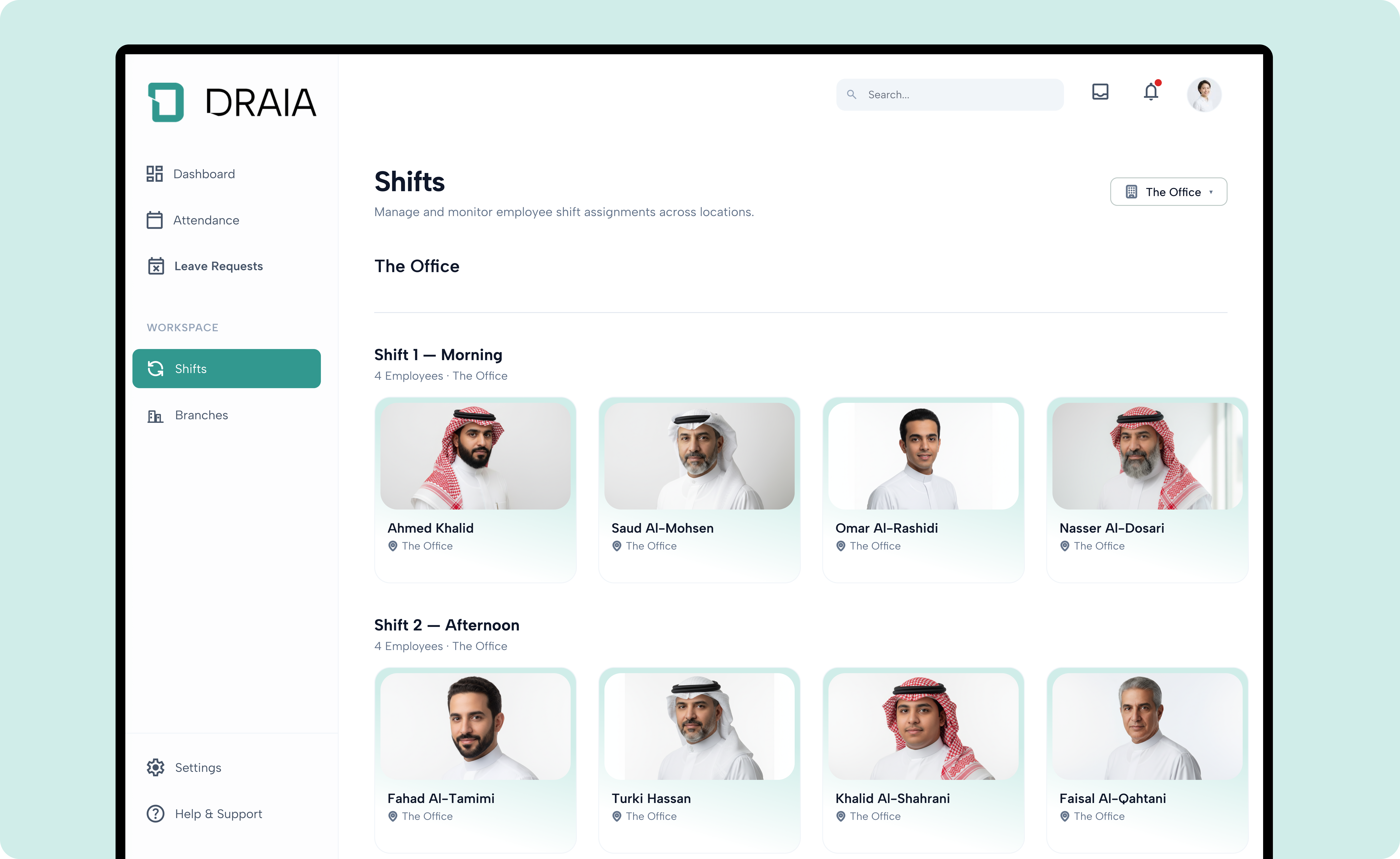
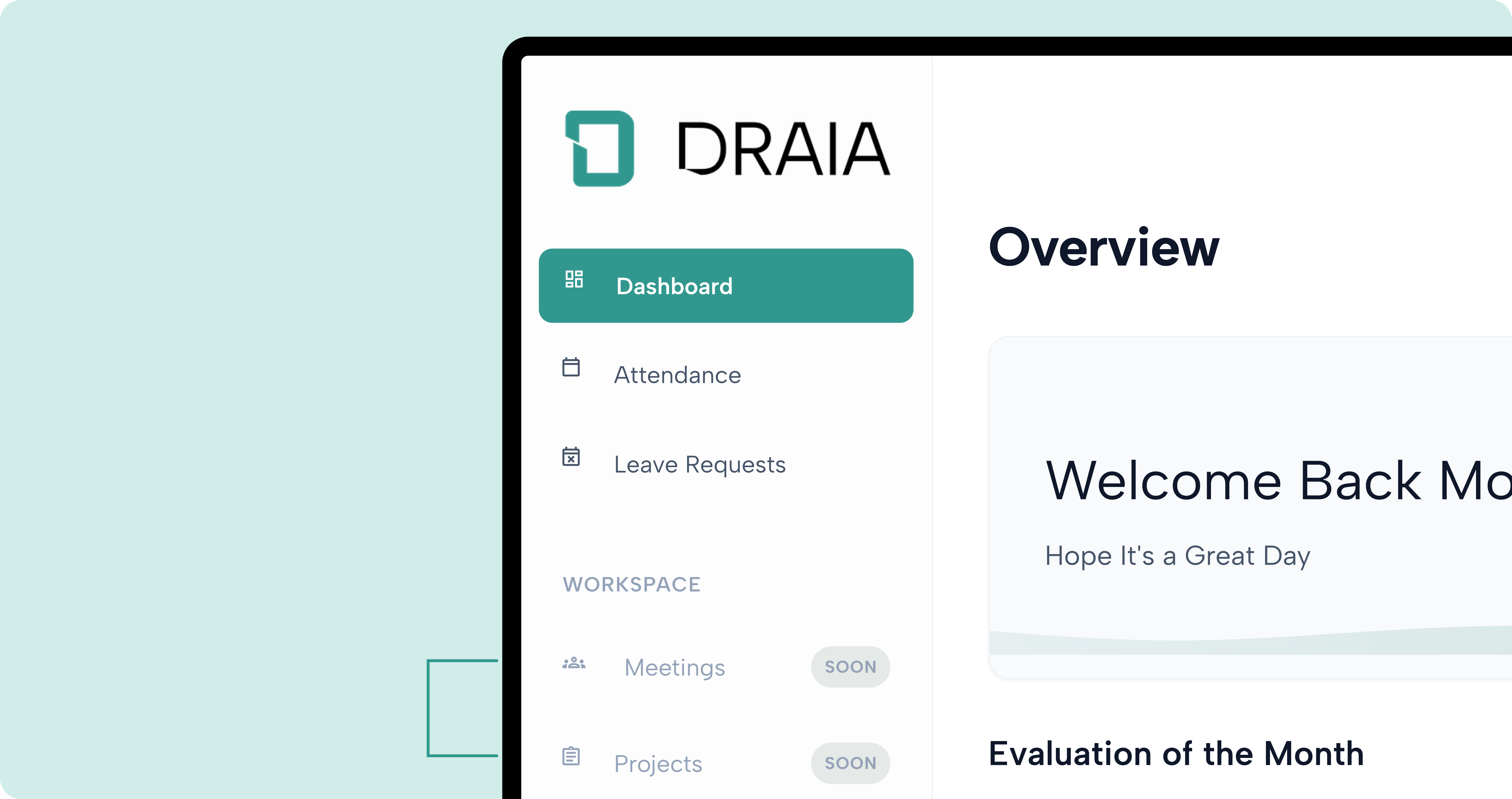
An internal platform built to make shift planning, daily attendance tracking, and manager approvals simple.
Faster operations
82%Quicker approvals and less time fixing weekly schedule conflicts.
Less wasted software
78%Replaced heavy third-party tools with one simple system built for the job.
Team adoption
94%Most departments started using it in the first month because it was easy to understand.

As the company grew, managing shifts and daily logs in scattered spreadsheets stopped working. Existing enterprise tools were tested, but they were too complex, too expensive, and didn't fit how the team works day to day.
01
Managers spent up to 6 hours a week checking shift changes, leave requests, and attendance logs by hand.
02
Old HR platforms were slow and cluttered because of hundreds of features nobody used.
03
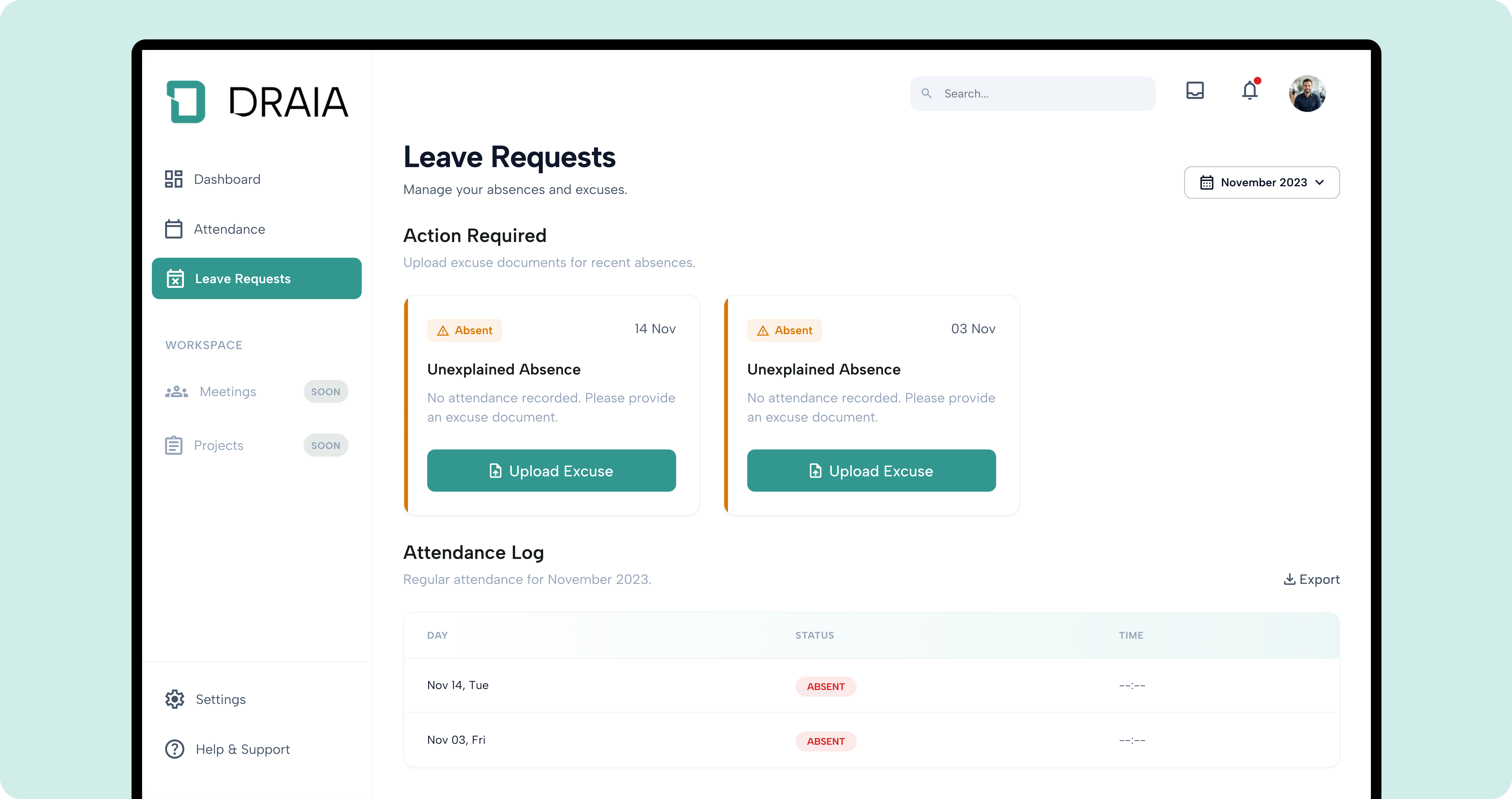
Employees had no single place to check their shifts or follow the status of their requests in real time.
“Half of Sunday night is spent cross-checking messages just to figure out who is swapping shifts for Monday morning.
“All that's needed is to open the app and instantly see shift times and leave approval status — without messaging managers.
JISR
Zenefits

BambooHR
Rippling
Deel
This is how the HR team felt when testing the tools on the market. They are powerful products, but too heavy for everyday work. Instead of digging through huge systems just to manage shifts and approve leaves, the team needed something simple, focused, and clear. That is why Draia was designed.

The platform was organized so no one hits a dead-end: employees get self-service, and HR gets full control — each in its own clear space.
Persona
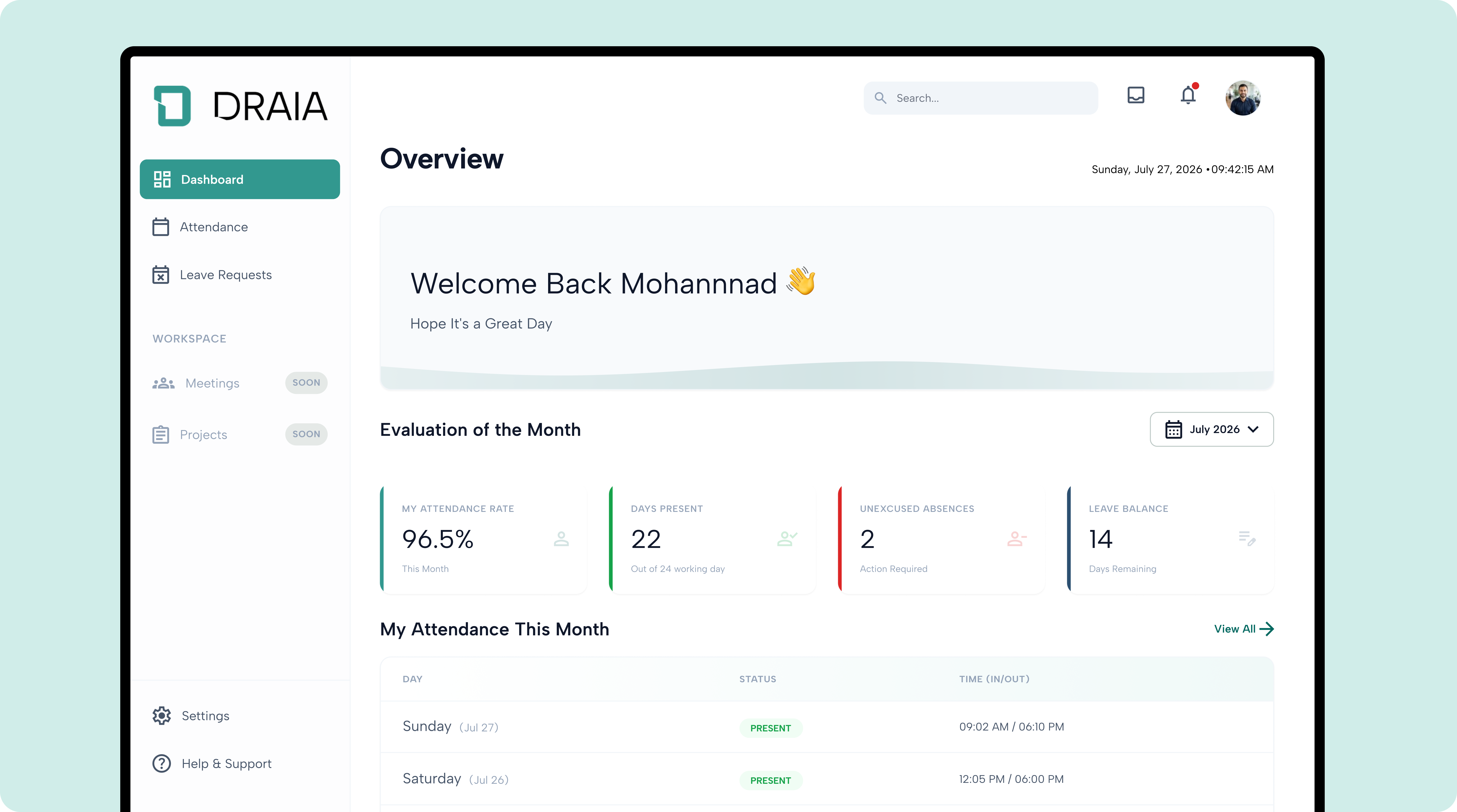
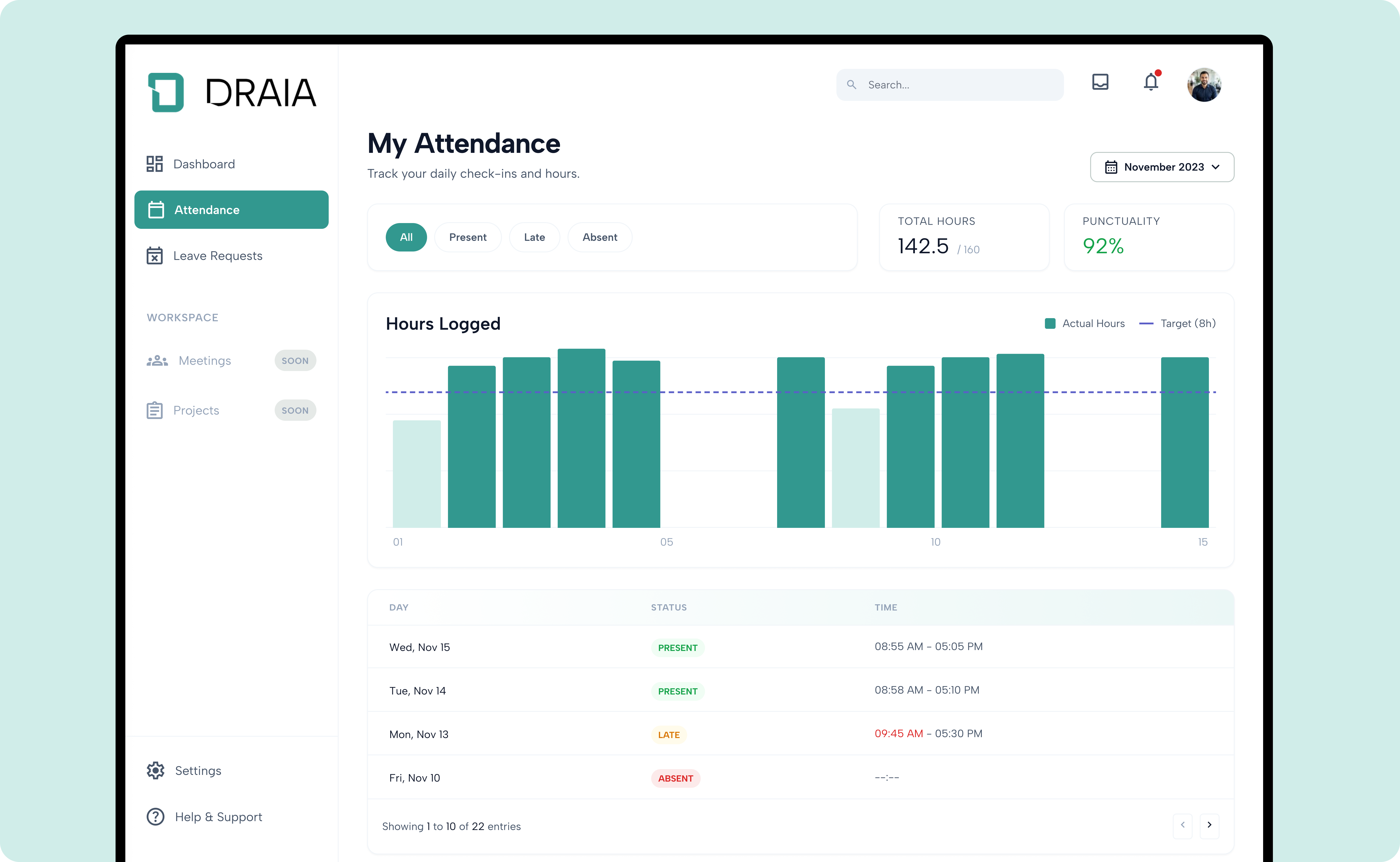
Built for speed and self-service. It answers three questions in seconds: When is my next shift? Are my hours correct? Was my request approved?
Persona
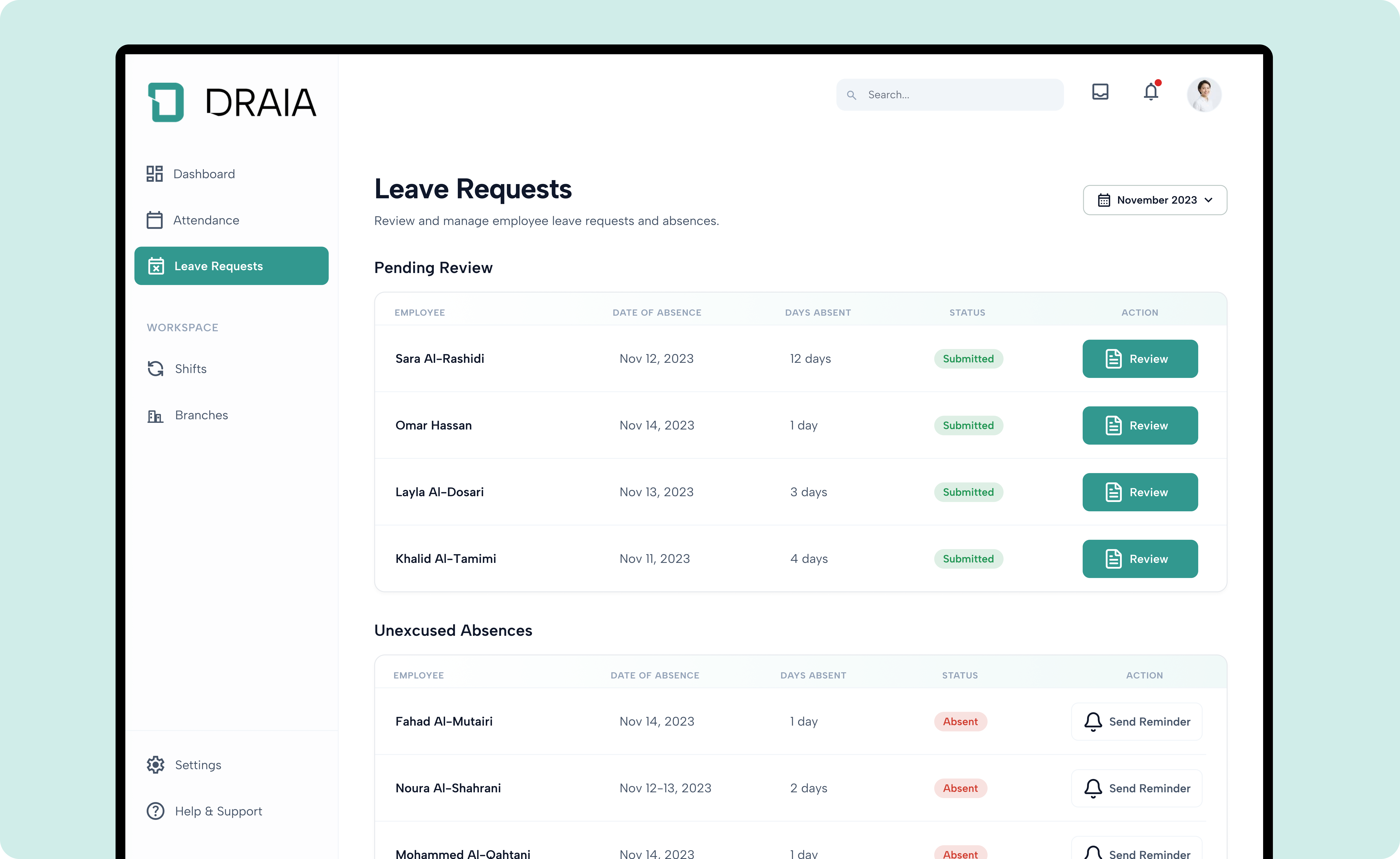
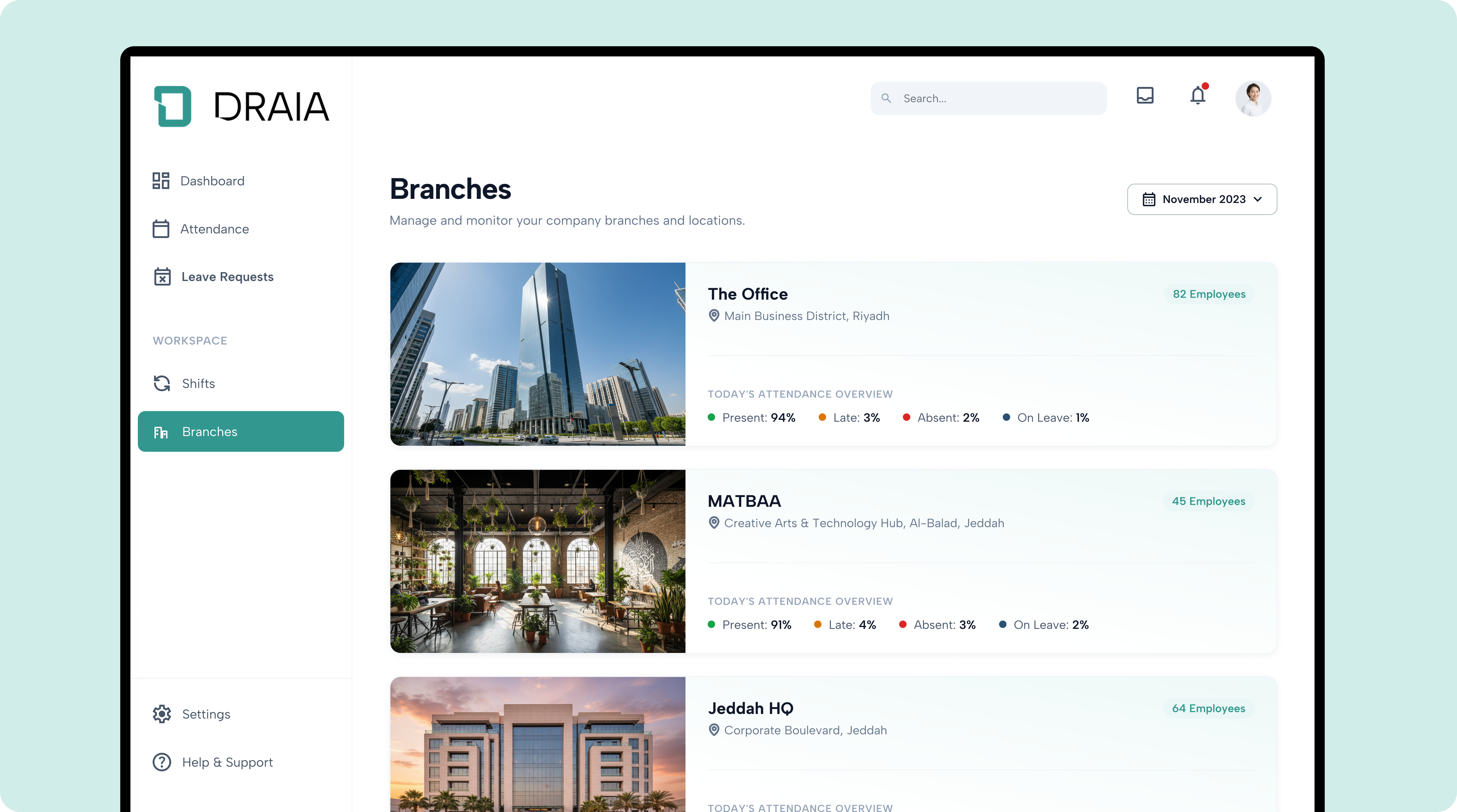
Built for the big picture: scan everything quickly, handle many requests at once, and spot attendance issues across all departments right away.
Must-have — v1 core scope
Later — v2 roadmap

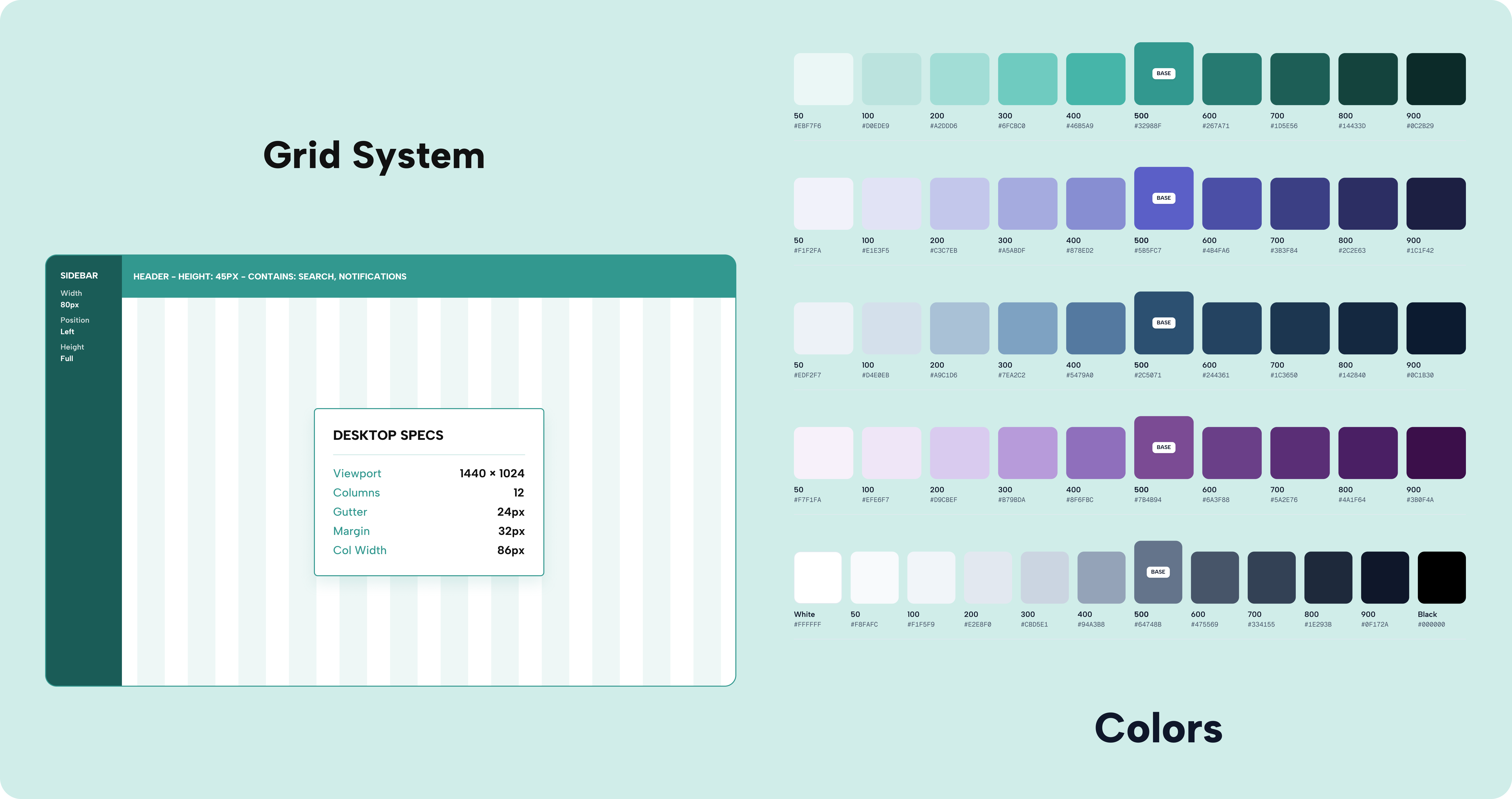
Several layout directions were tried to show a lot of data without overwhelming the user.
Needed several popups just to see shift details. Dropped — too many clicks.
Lets HR scan hundreds of records line by line, with clear color-coded status badges.
Turned the usual long shift-swap process into a simple 2-step popup.
Tuned the table spacing so rows are easy to scan on any screen size.


Naming logic
Comes from the Arabic word for awareness and clarity — the idea that both managers and staff can always see what's going on.
Brand mark & visual metaphor
Mixes the curve of the letter "D" with the shape of organized logs and documents — a symbol of structure, clarity, and reliability.

Version 1 — outcome & handoff
Delivered fully documented UI screens and a component library ready for development, with clean data for monthly reports.
Version 2 — future roadmap
More projects